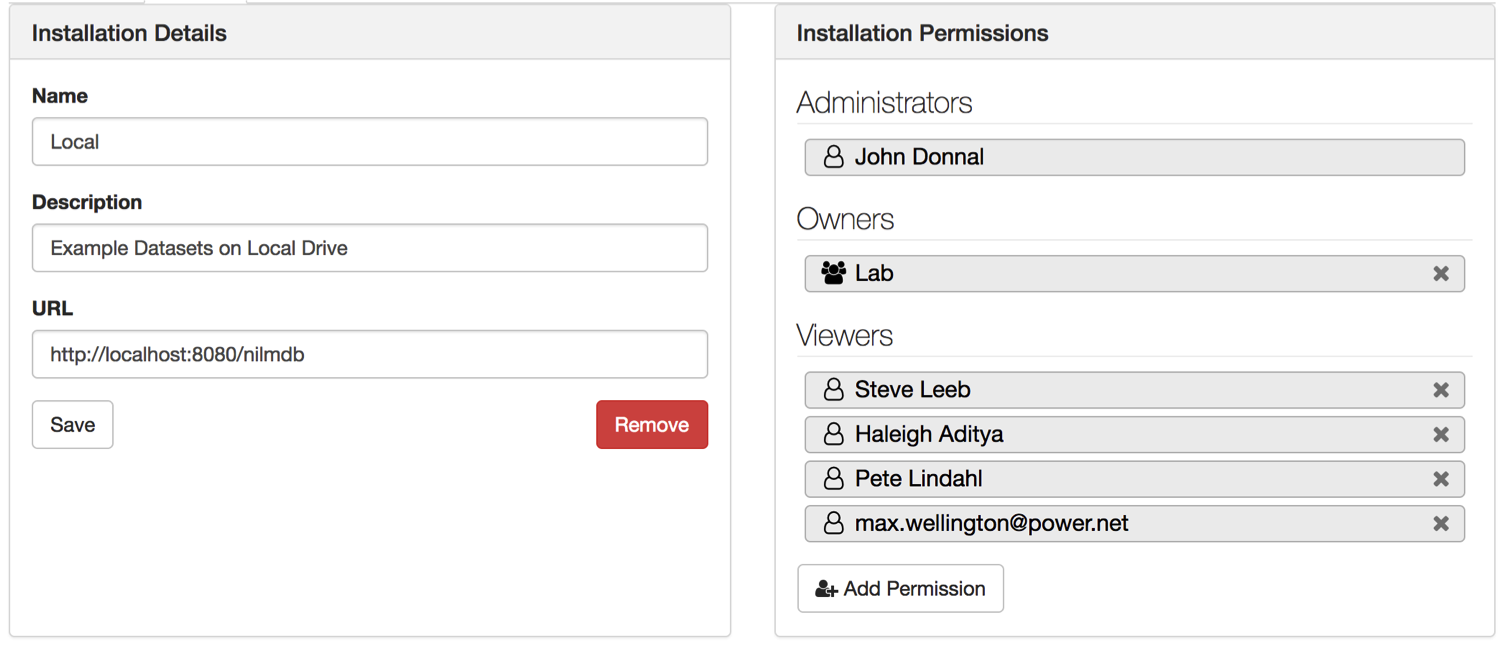
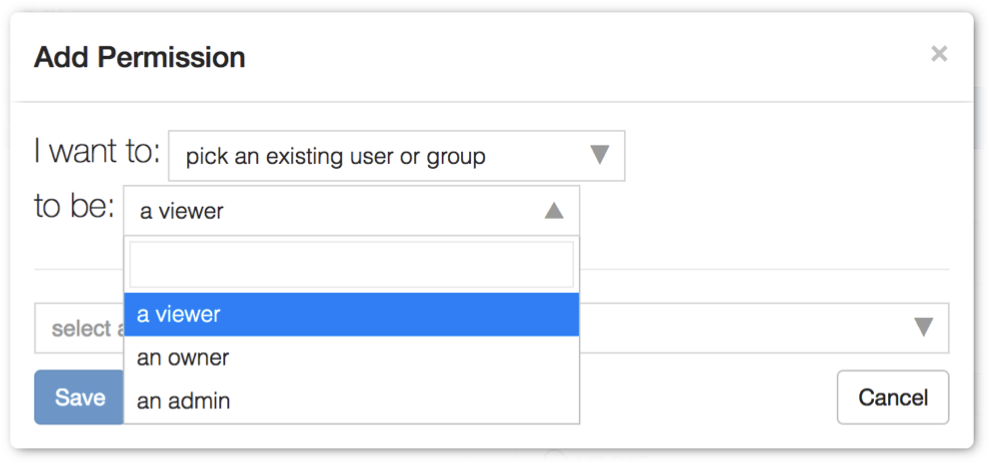
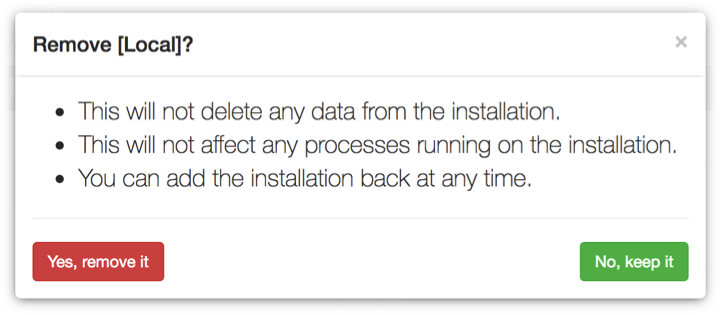
Installation Settings
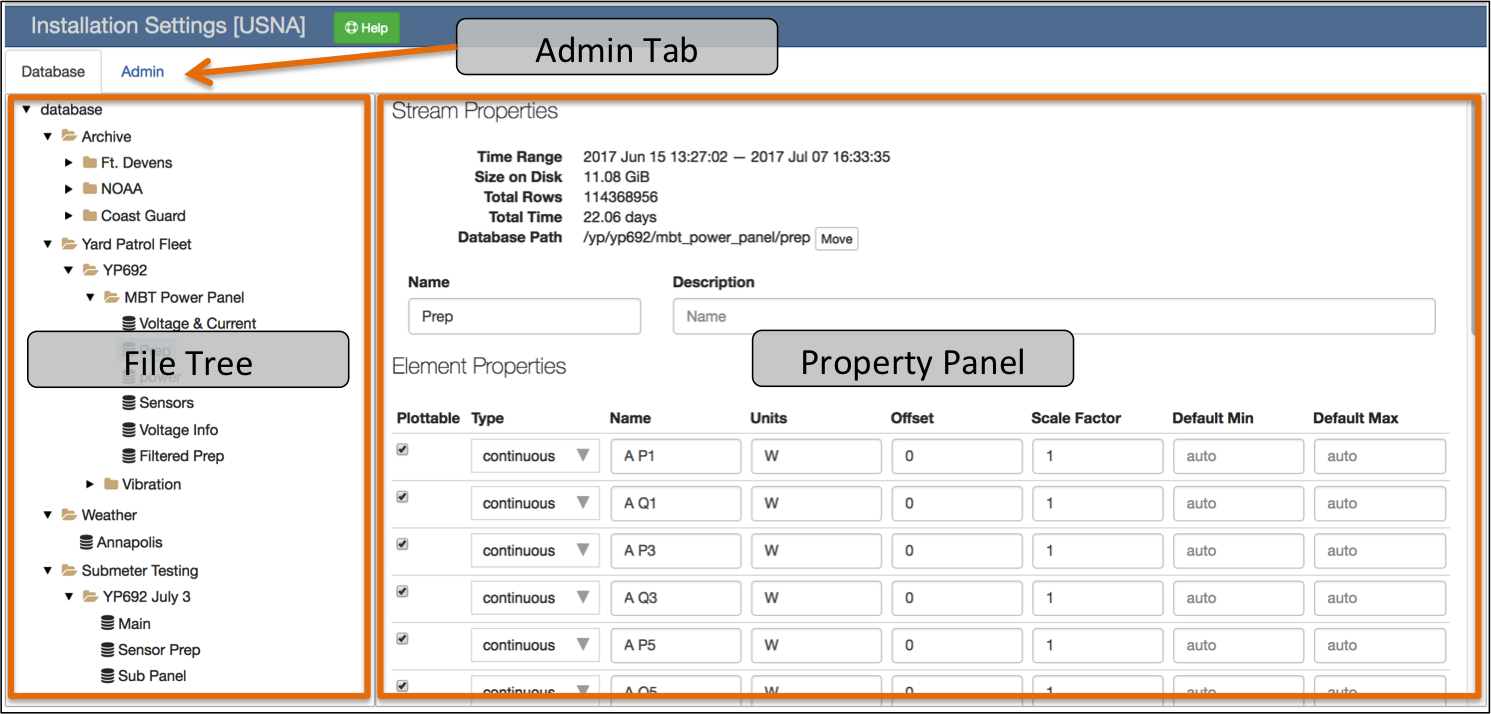
File Tree
When the page is loaded only the installation database and root folders are
listed. Click the icon to expand or collapse a folder. Folders
contain data streams and/or subfolders. Select an item to display it in the
Property Panel. You may display the :ref:installation-database, a
:ref:installation-folder, or a :ref:installation-stream.
Property Panel
The property panel lists the attributes and settings for the currently selected item in the File Tree.
Database
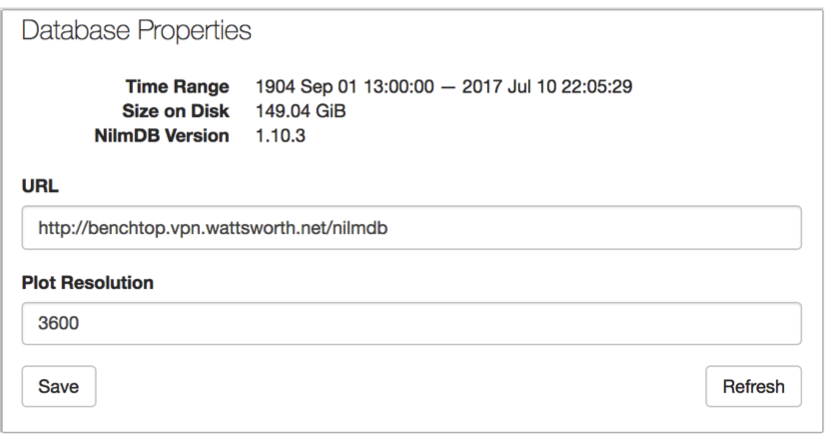
The Plot Resolution is the maximum number of data points this installation will return. If you request an interval of data that has more samples than this value, a decimated copy of the data will be returned. This setting applies to plots and data downloads.
Refresh reloads the installation database. You must refresh the database when you add or remove streams on the remote installation. This operation may take a while to complete.
Do not change the URL, this feature is currently unsupported.
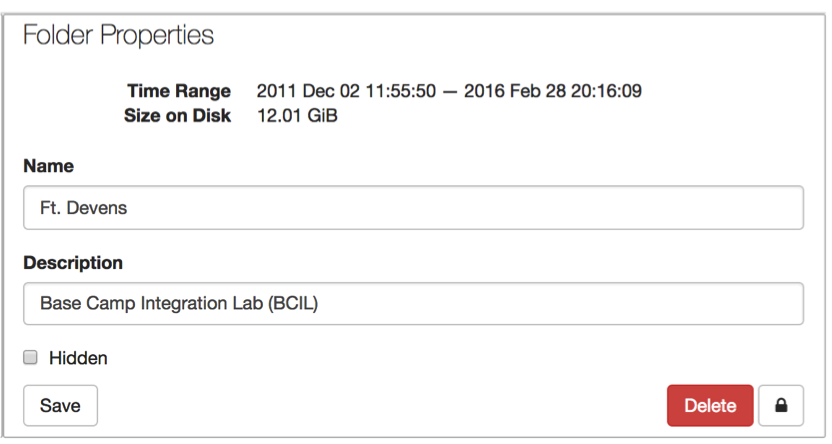
Folder
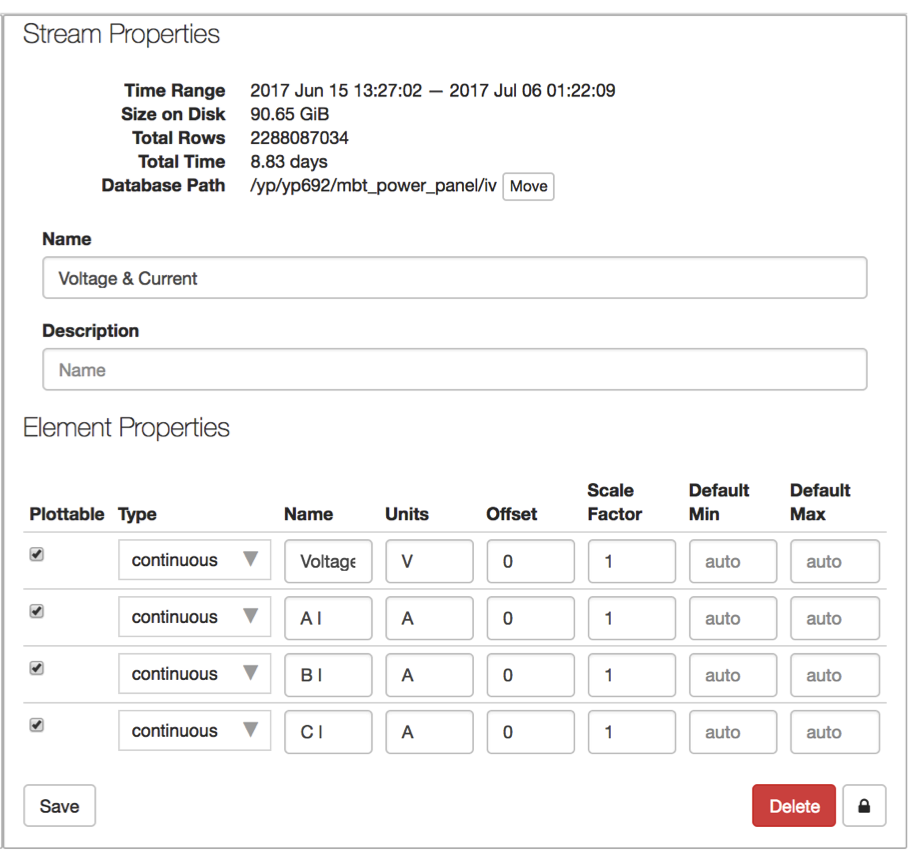
Data Stream
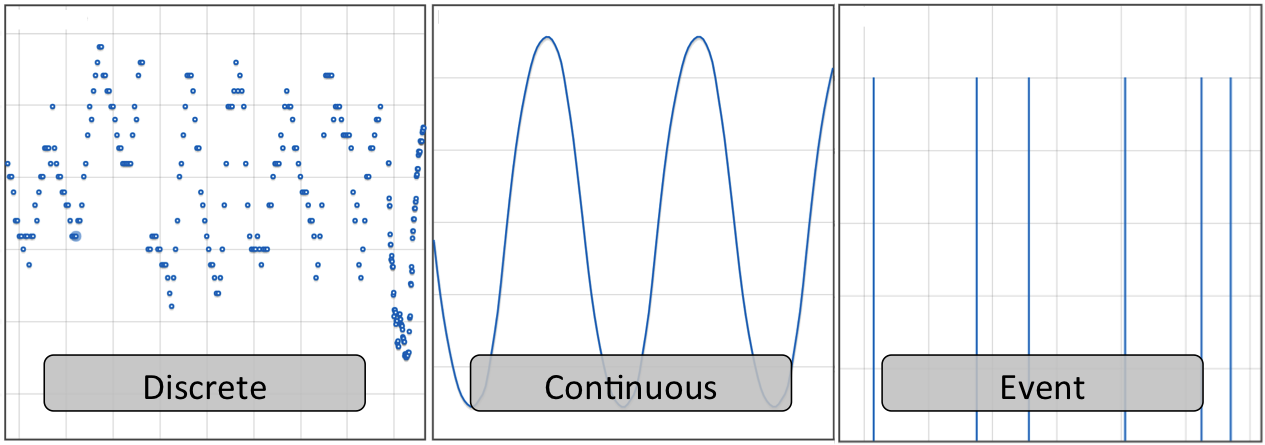
Admin Tab